Track Kits
The Track Kits page lists every kit your business has ordered and where each one currently sits in its lifecycle, from the moment the order is placed through delivery, registration, lab intake, and the final report. Tracking data appears starting about 24 hours after an order is placed.
Each row shows the kit's identifiers alongside two parallel statuses:
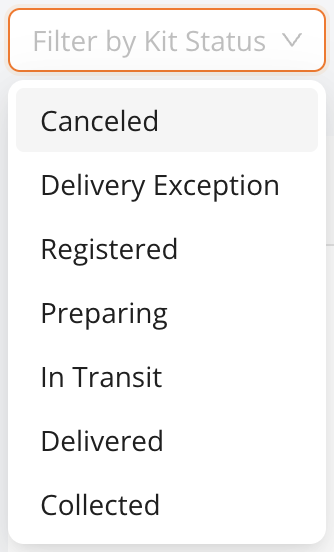
- Kit status: the physical journey (preparing, in transit, delivered, registered).
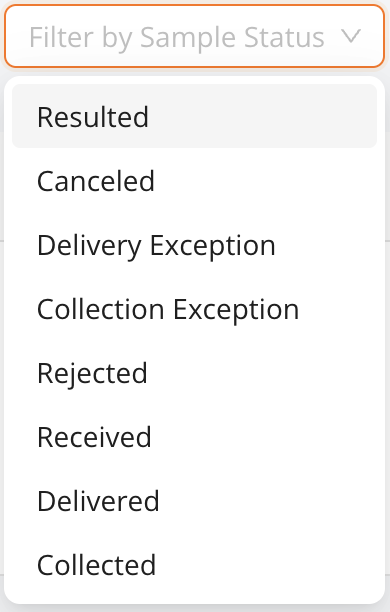
- Sample status: the lab journey after collection (in transit to the lab, received, resulted, or rejected).
The meaning of every status, and the order they occur in, is described in Kit lifecycle.
Filter the list
Use the status filters to narrow the list to exactly the kits you care about, for example every kit stuck in transit, or every sample the lab has rejected.
If you'd rather consume these status changes programmatically, subscribe to webhooks: every transition you can see on this page is also delivered to your endpoint as it happens.