User Notifications
The emails below are branded with your logo and business name and sent automatically as kits move through their lifecycle.
Set up your white-label email sender domain first. Until you do, these emails are sent from support@siphoxhealth.com instead of your own domain. Contact your account manager to configure the sender domain so every notification your users receive comes from you.
Required communications for whitelabel partners
When you run a whitelabel program, your brand is the test taker's only interface, which makes three communication flows your responsibility:
Data mismatch
If the details a user submitted at registration do not match the consent record or the sample (name, date of birth, sex), the lab cannot release a report against the kit. Resolve the discrepancy directly with your user and correct the registration details so processing can continue.
Missing registration
A sample that arrives at the lab without a registered kit cannot be processed. Watch for kits that were delivered but never registered (Track Kits, or the kit-status webhooks) and prompt the user to register before they collect and return their sample.
Critical value notifications and calls
When a result contains a critical value, time matters. SiPhox delivers a critical-result contact notification to your webhook endpoint; your team must have a process to reach the affected user promptly, including a phone call when they do not respond to messages. Make sure the contact details collected at registration are accurate, since they are what your outreach depends on.
The exact obligations for your program (timelines, escalation, documentation) are defined in your partner agreement with SiPhox. If you are unsure what applies to you, ask your account manager.
Lifecycle emails
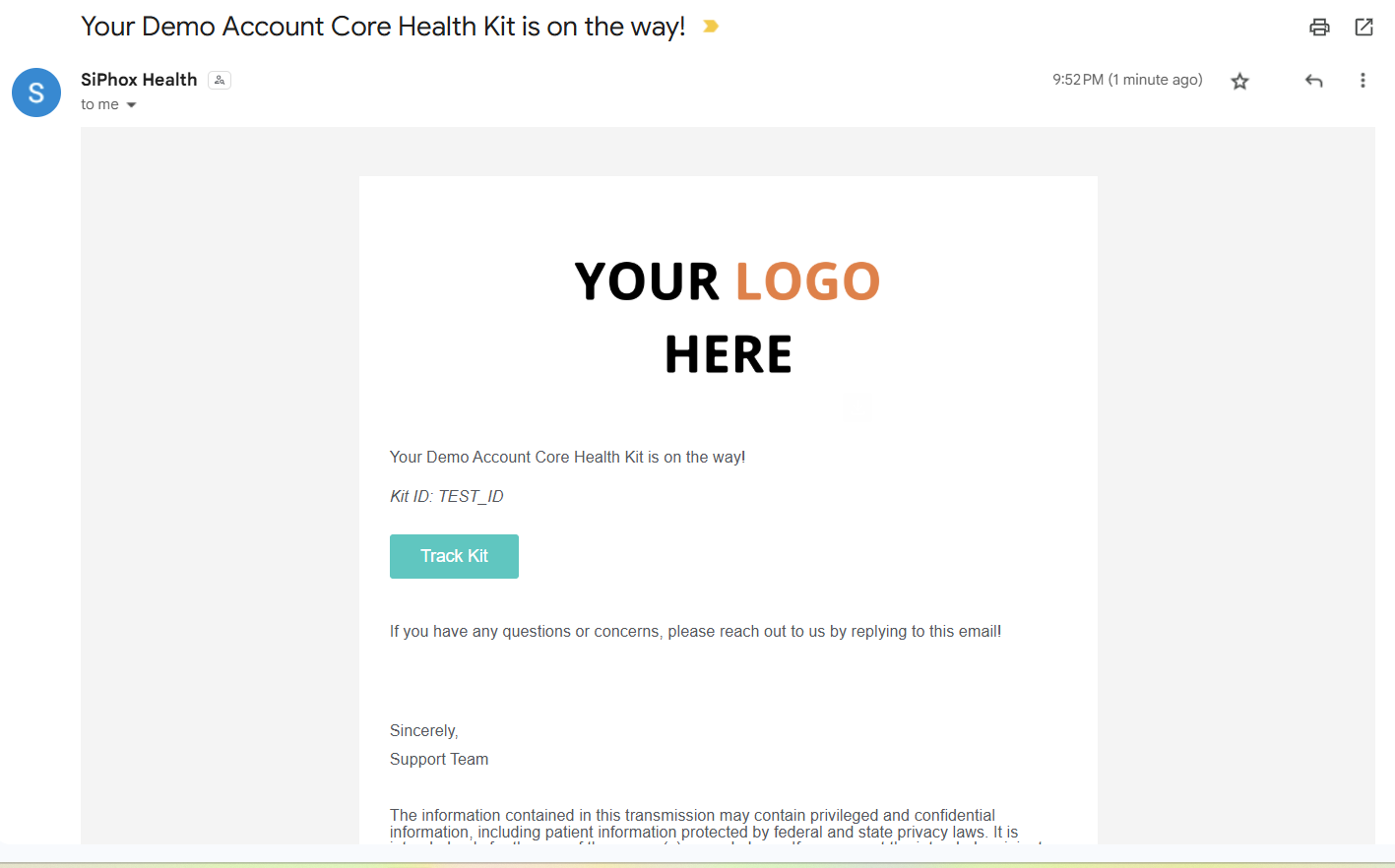
Report Processing is complete (upon sending email to user):
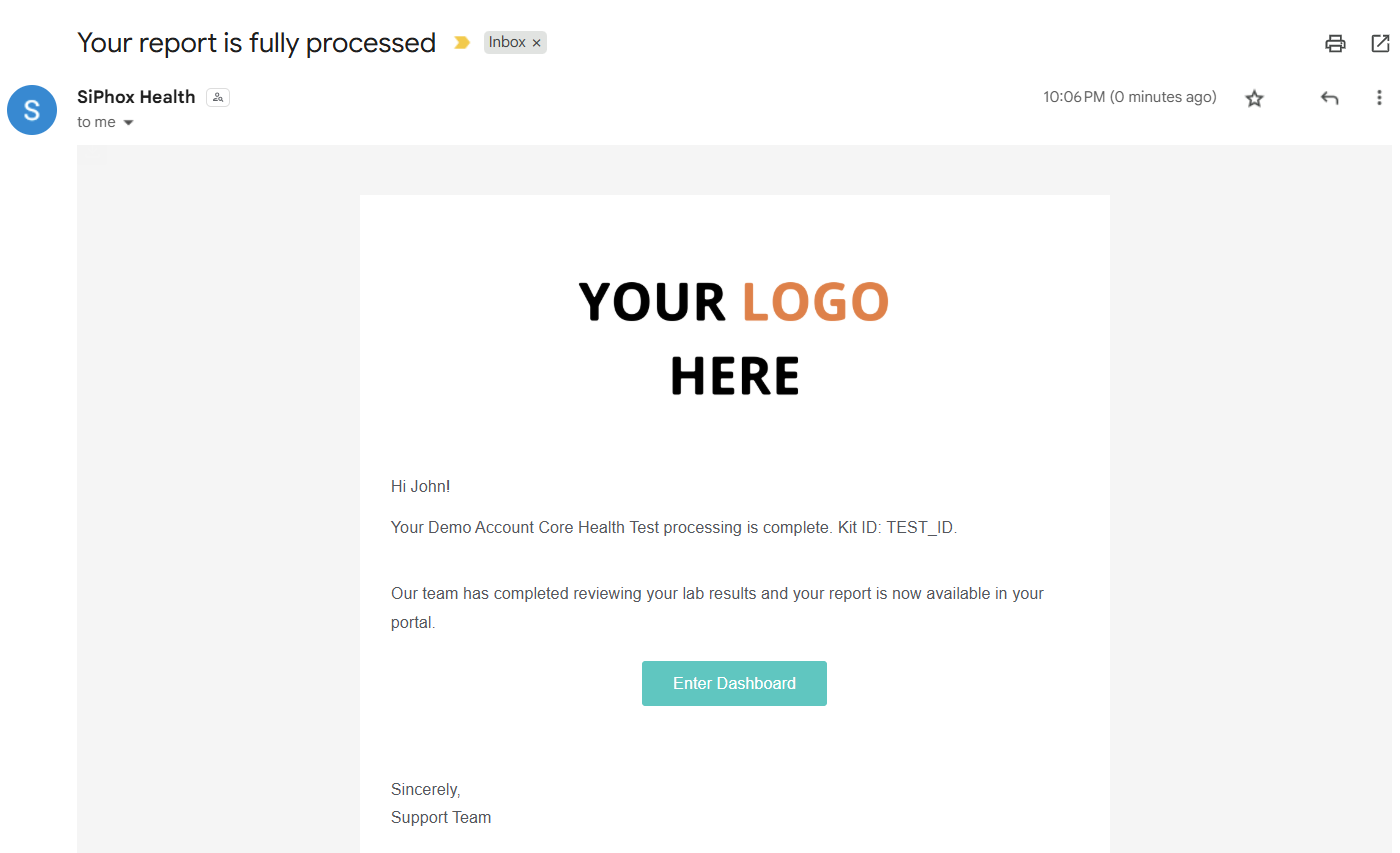
Sample Arrived at Lab (sample status: delivered)
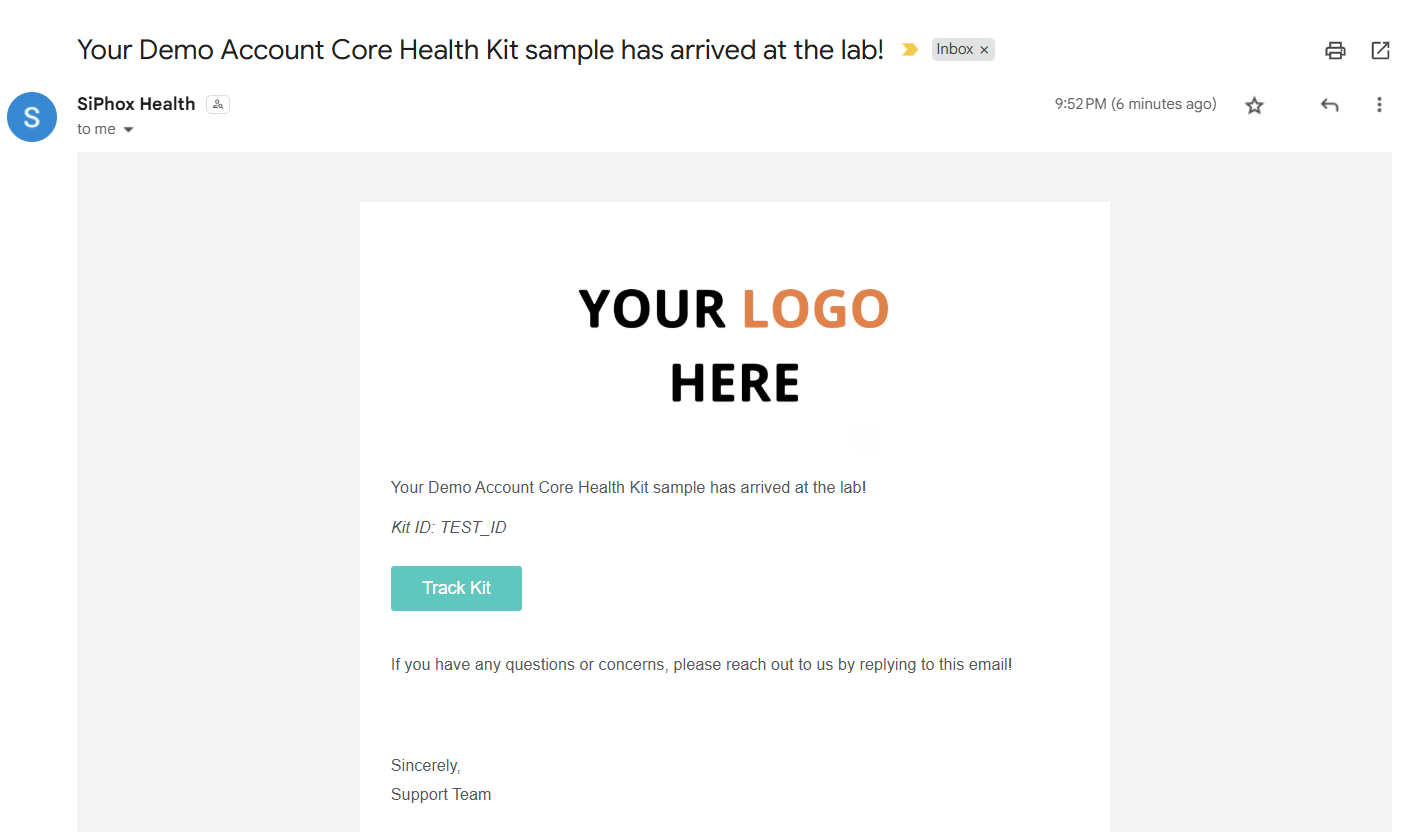
Sample in Transit to Lab (sample status: in_transit)
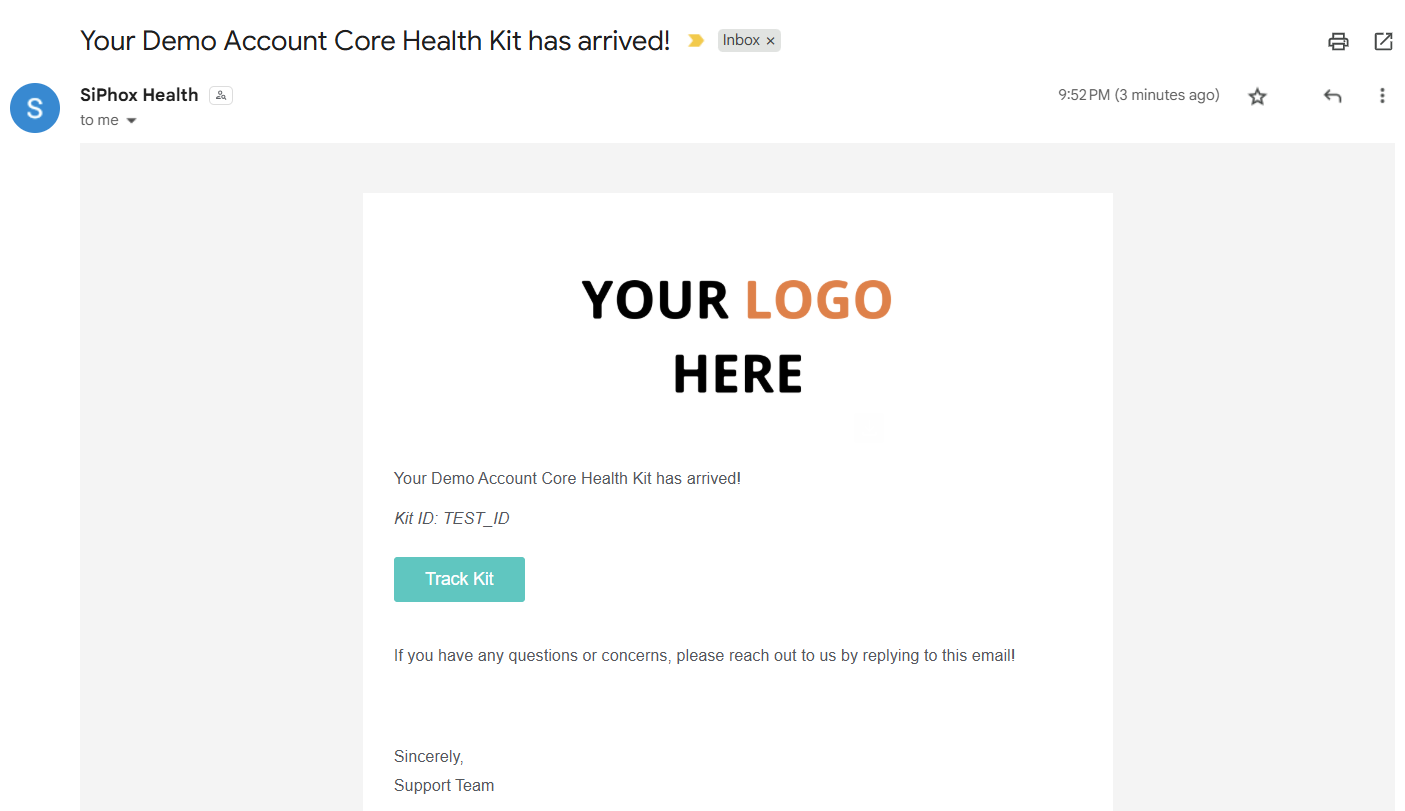
Kit Delivered Email (kit status: delivered)
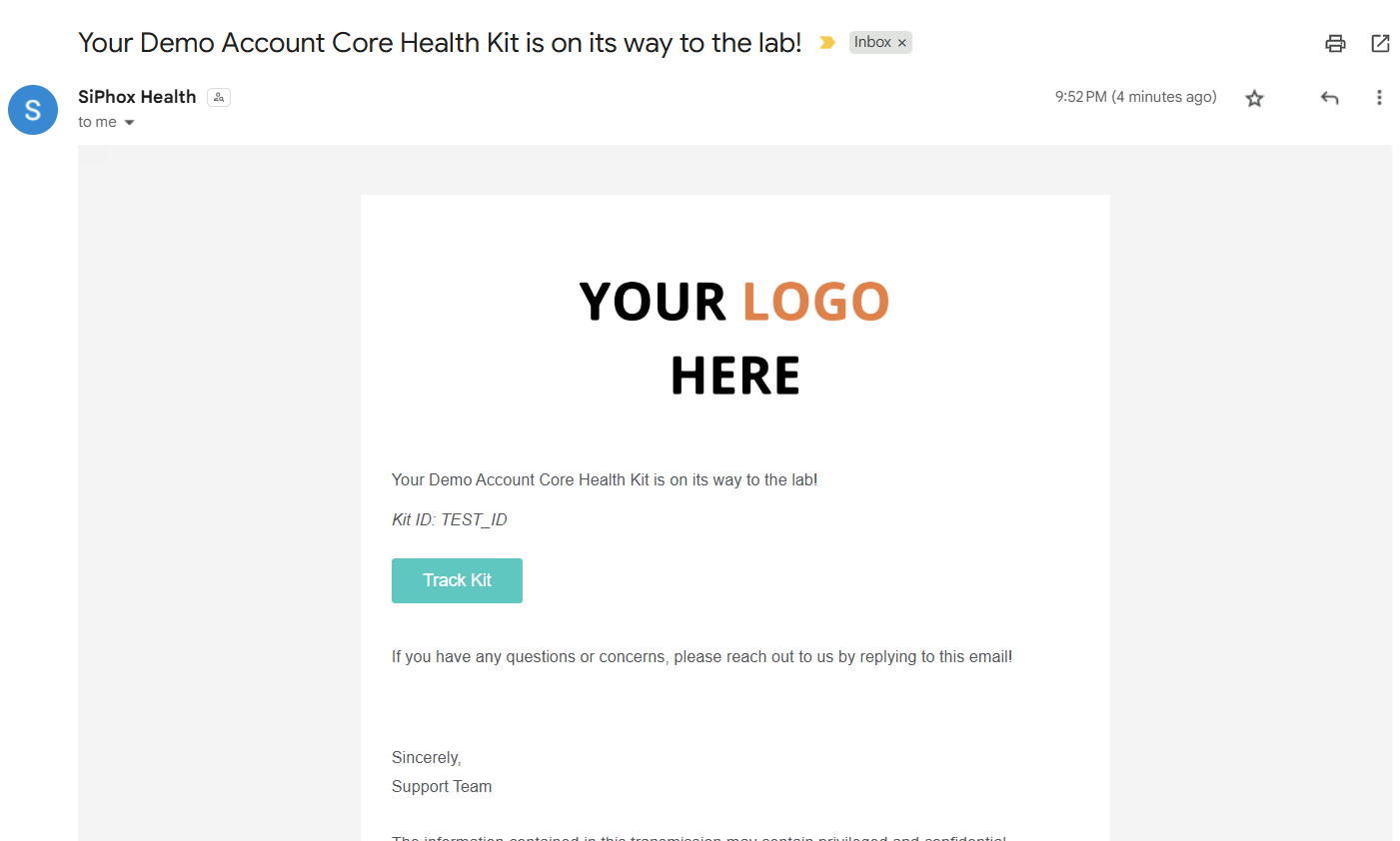
Kit in Transit (kit status: in transit)